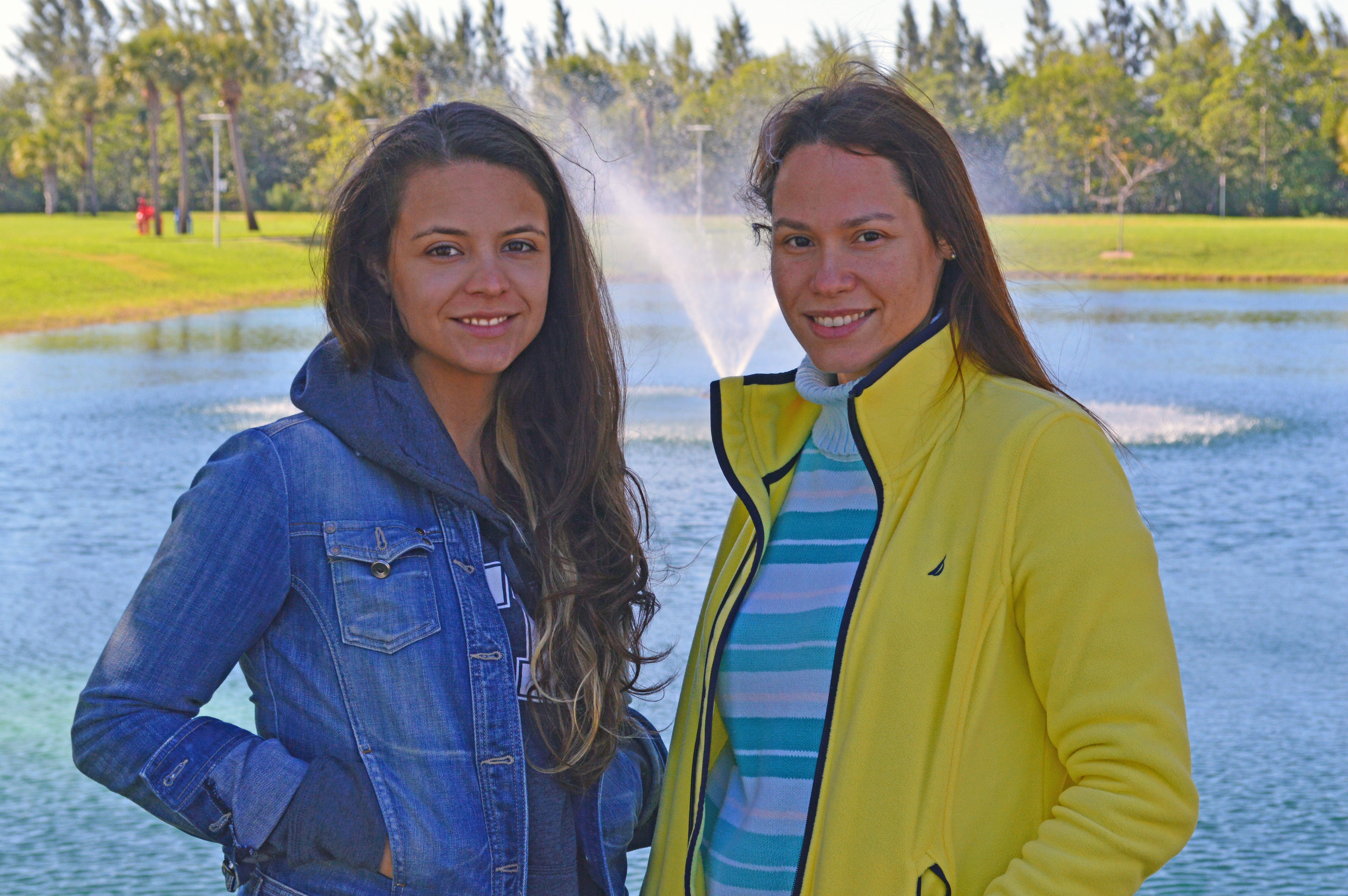
In this picture, I altered the shadowing for a brighter look. I also used the patch tool to alter some facial features.
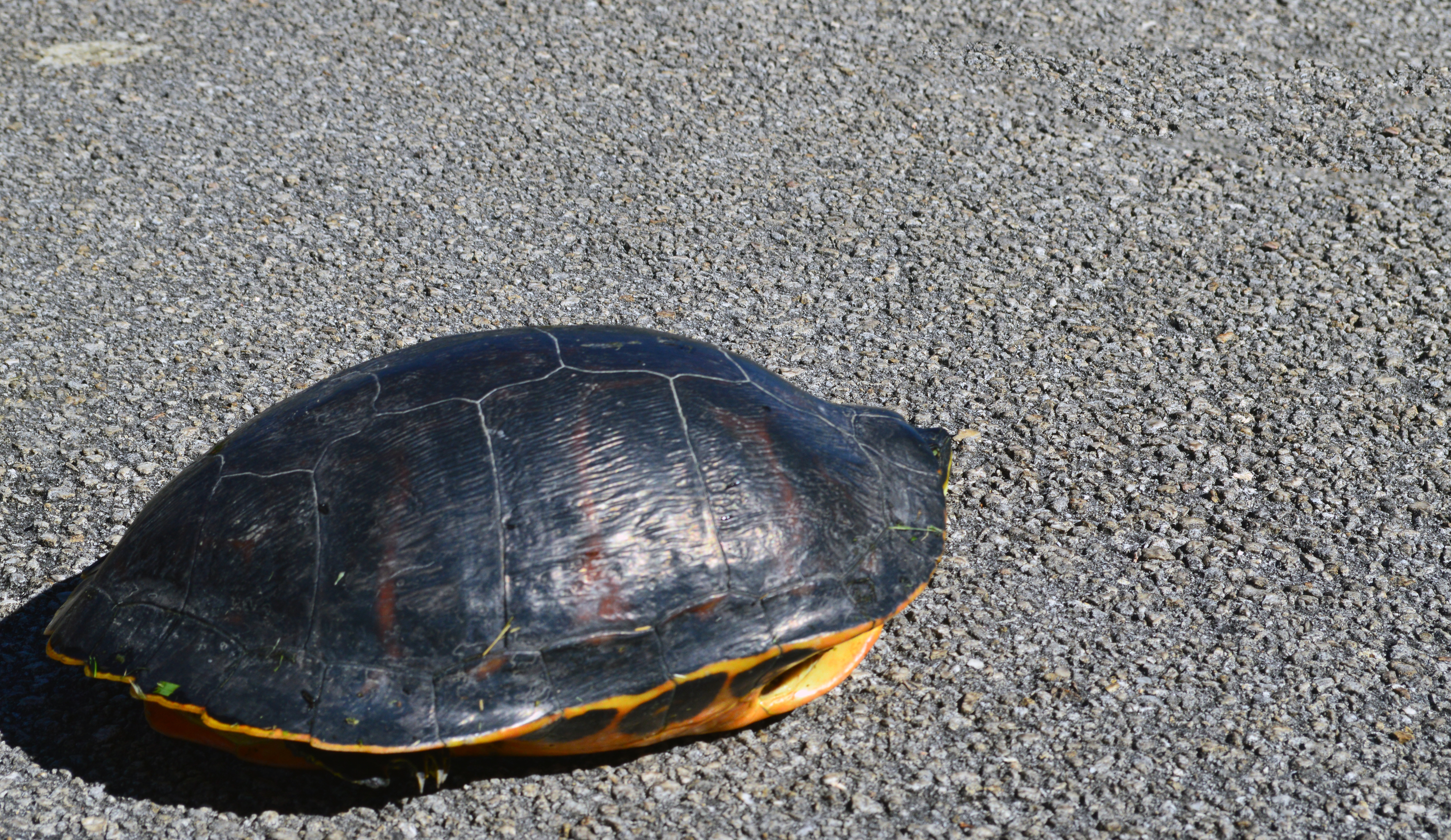
All I wanted to do with this picture was remove the distracting shadow. I did that with the lasso tool and content-aware.
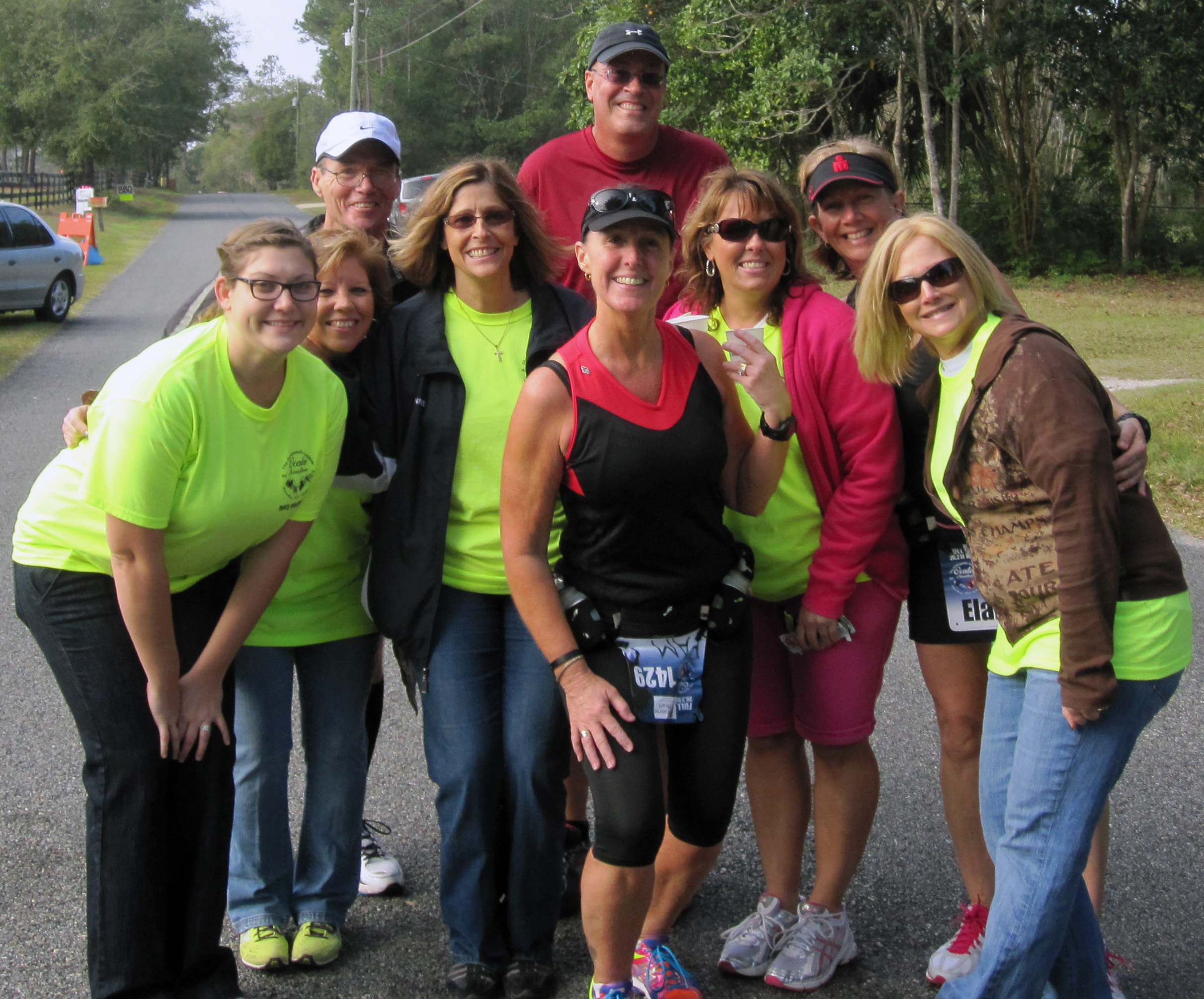
I used the crop tool to crop the image to give less head room. I also adjusted the contrast, color, and tone.
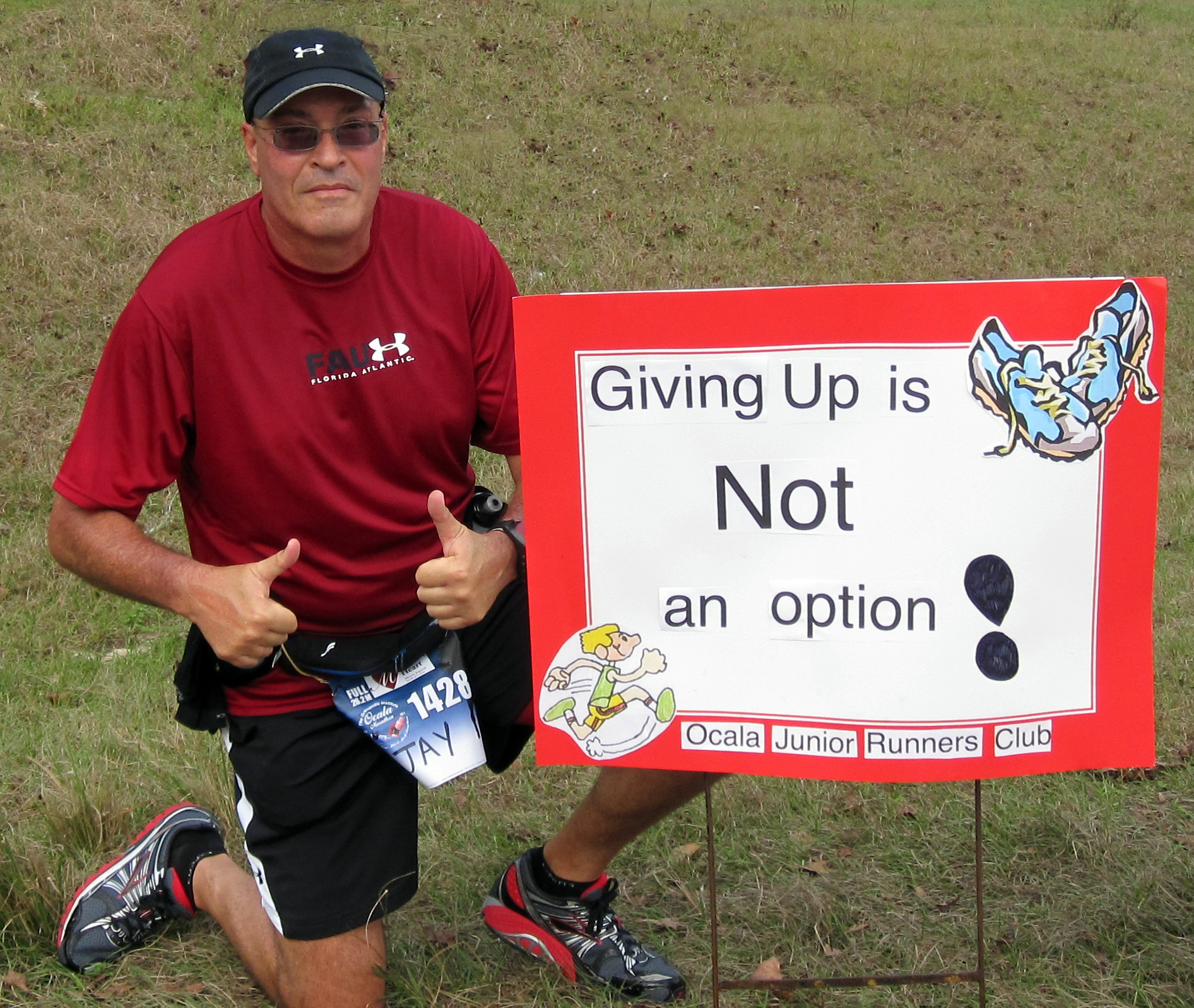
First, I cropped the image, using the crop tool. Then, I adjusted the color, tone, and contrast. Once that was done, there was a gap of grass that looked to be dry. I used the lasso tool and quickly adjusted it with content-aware.

This picture didn’t need to be cropped much, but I still cropped it, just a bit. What needed to be adjusted the most was the shadowing, so I altered the image to brighten the background. There was also some red eye that needed to be fixed. I also adjusted the color, tone, and contrast for a better overall look.
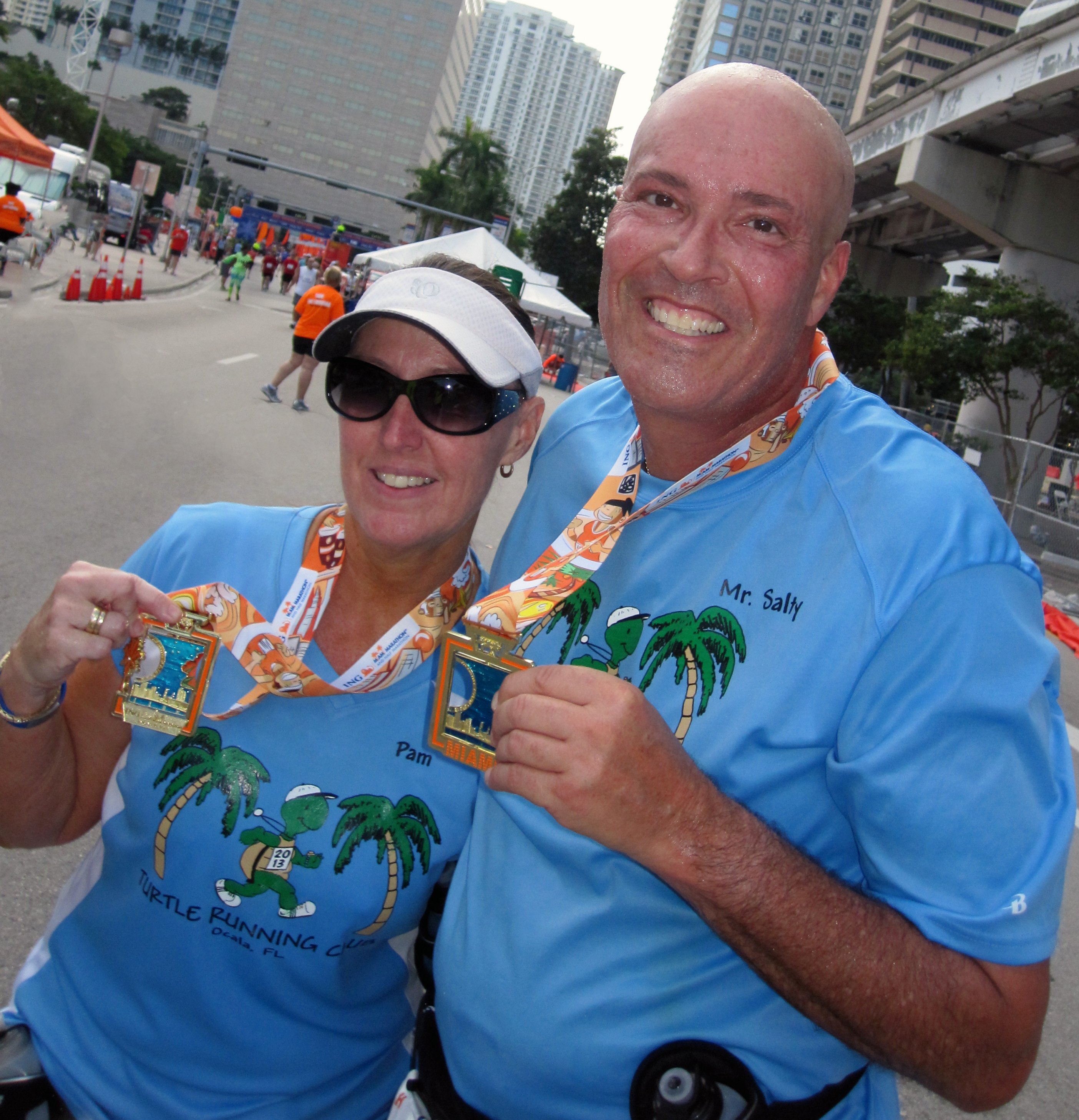
This image proved to be a challenge for me. After cropping it with the crop tool, I noticed there was a person in the picture that was a bit distracting. I used the lasso tool with content-aware, but it still needed to be adjusted. I used the clone stamp to color-in any mistakes made from the lasso tool. No more distracting body in the way!
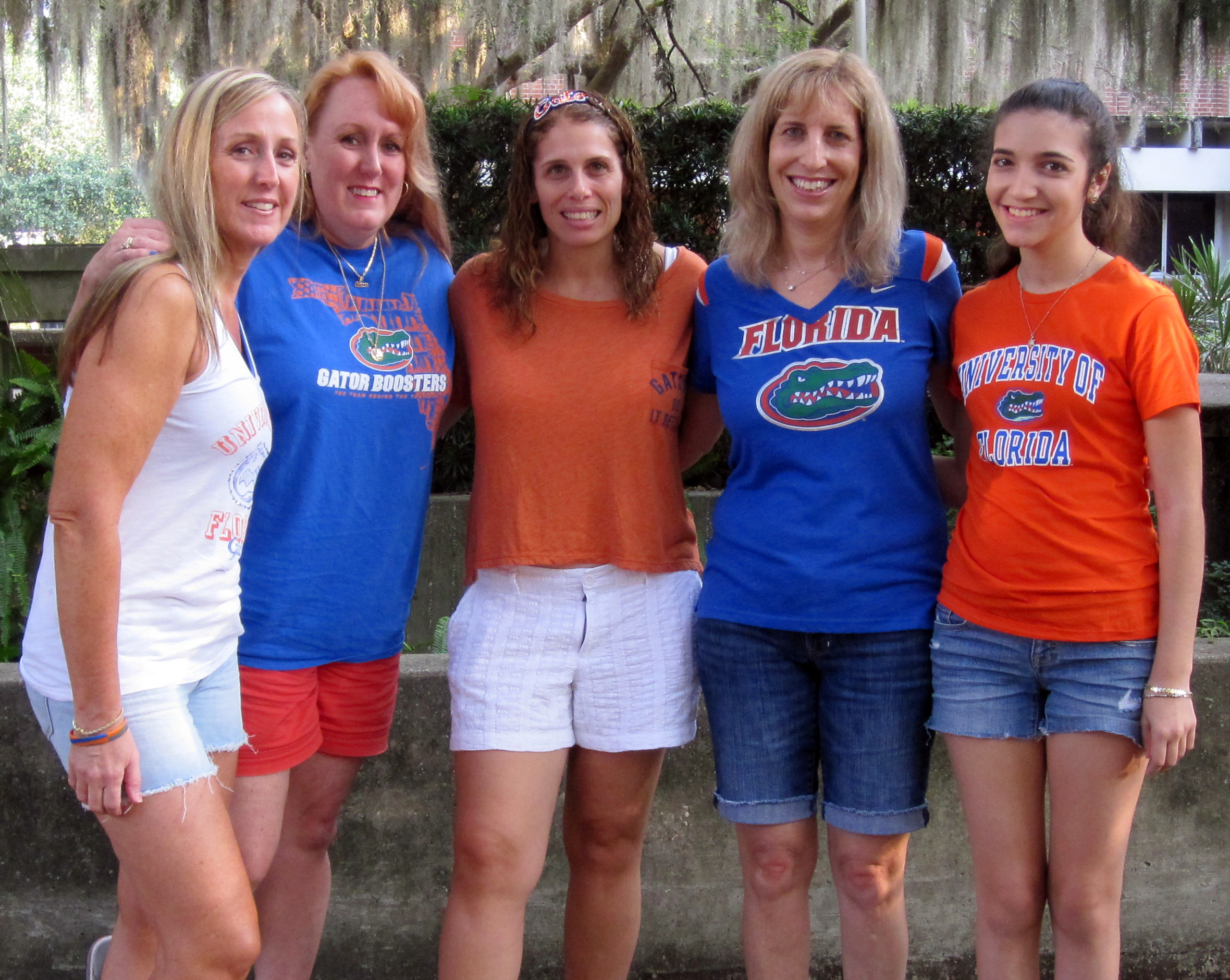
There really wasn’t much to edit in this picture, other than the cropping and some color correction. I simply did that and moved on.
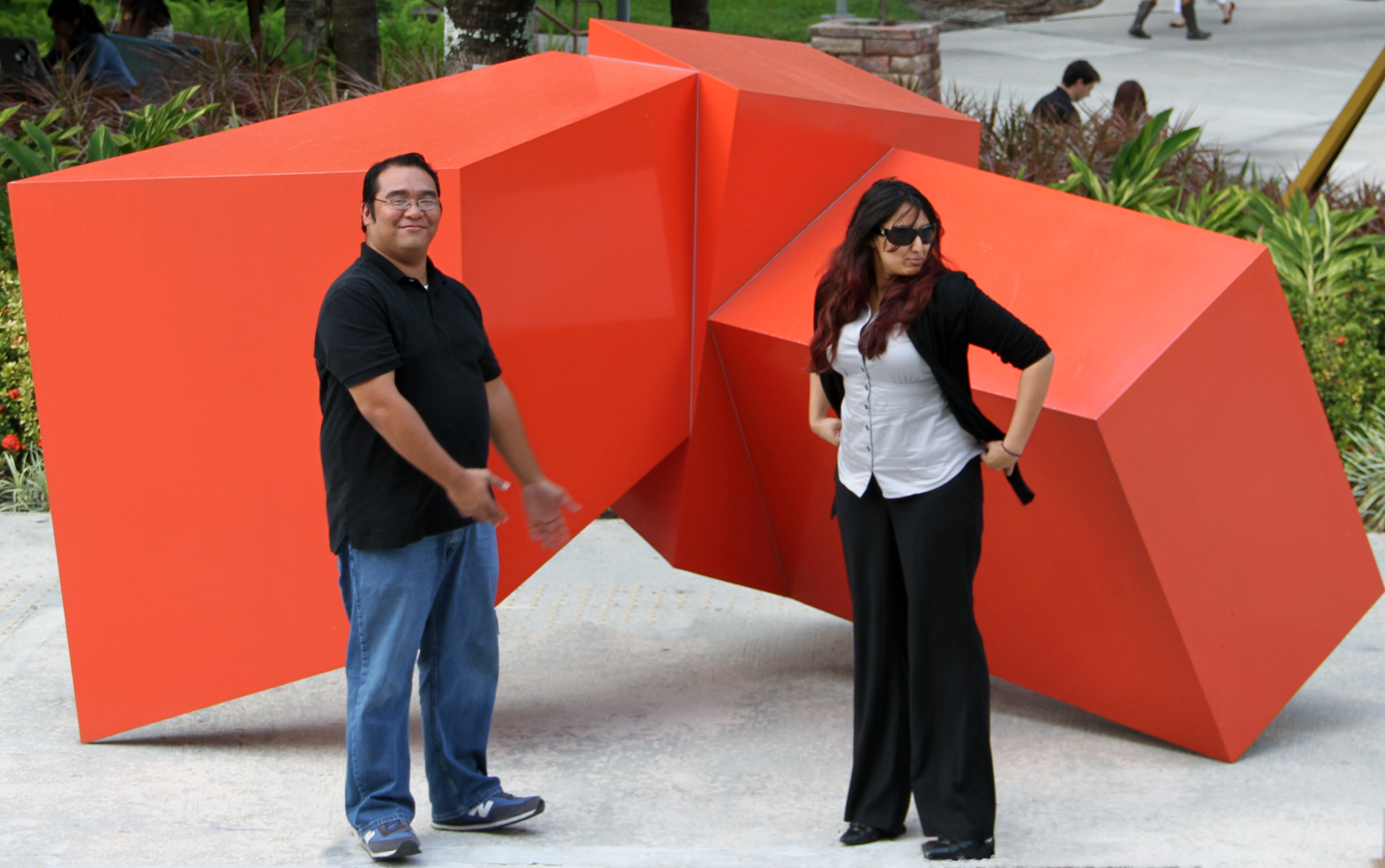
I had quite a bit of fun editing this picture. There were some metal pieces on the floor. I removed those using the lasso tool with content-aware. No more distracting metal! Then, I adjusted the faces just a bit and changed the color, tone, and contrast to enhance the visuals. I also cropped the image a bit.
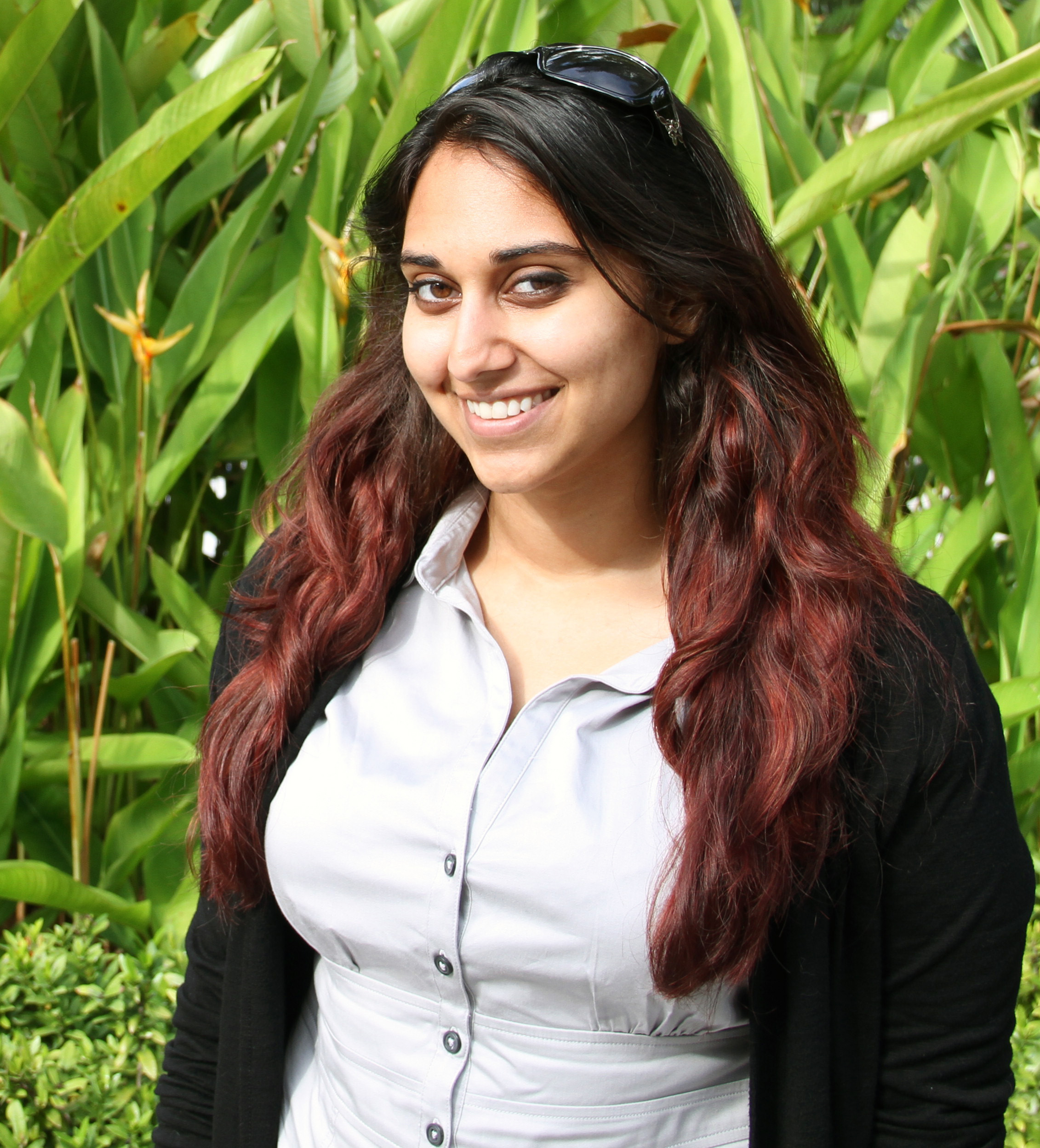
The patch tool was my best friend in this image. I used it to alter some facial features. The clone stamp tool also came in a bit handy with that. After the image was cropped, that’s really what I focused on.
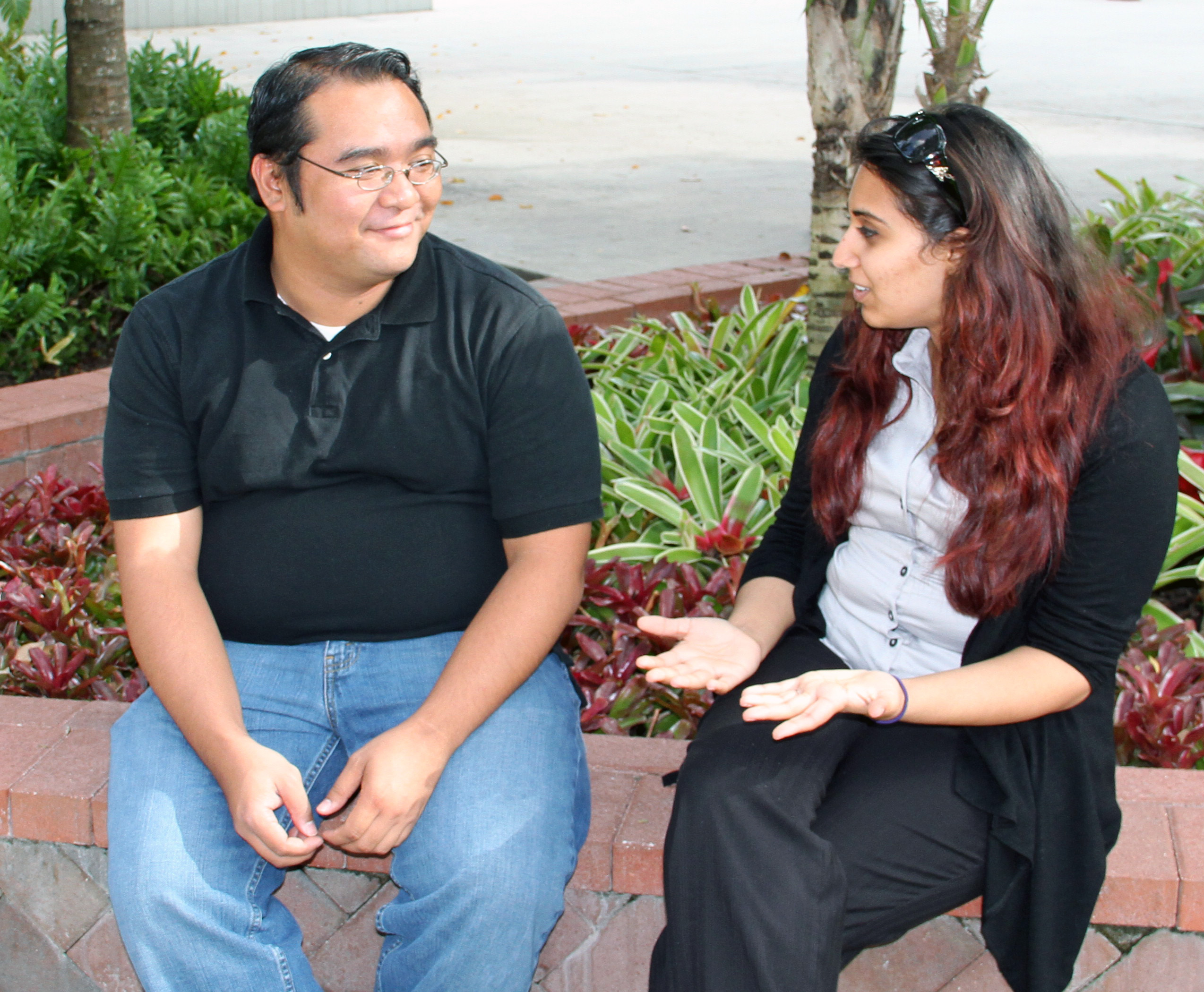
This image had some distracting pieces of debris on the floor. I removed those with the lasso tool and content-aware. Other than that, the image just needed a bit of cropping and minor color adjustments.
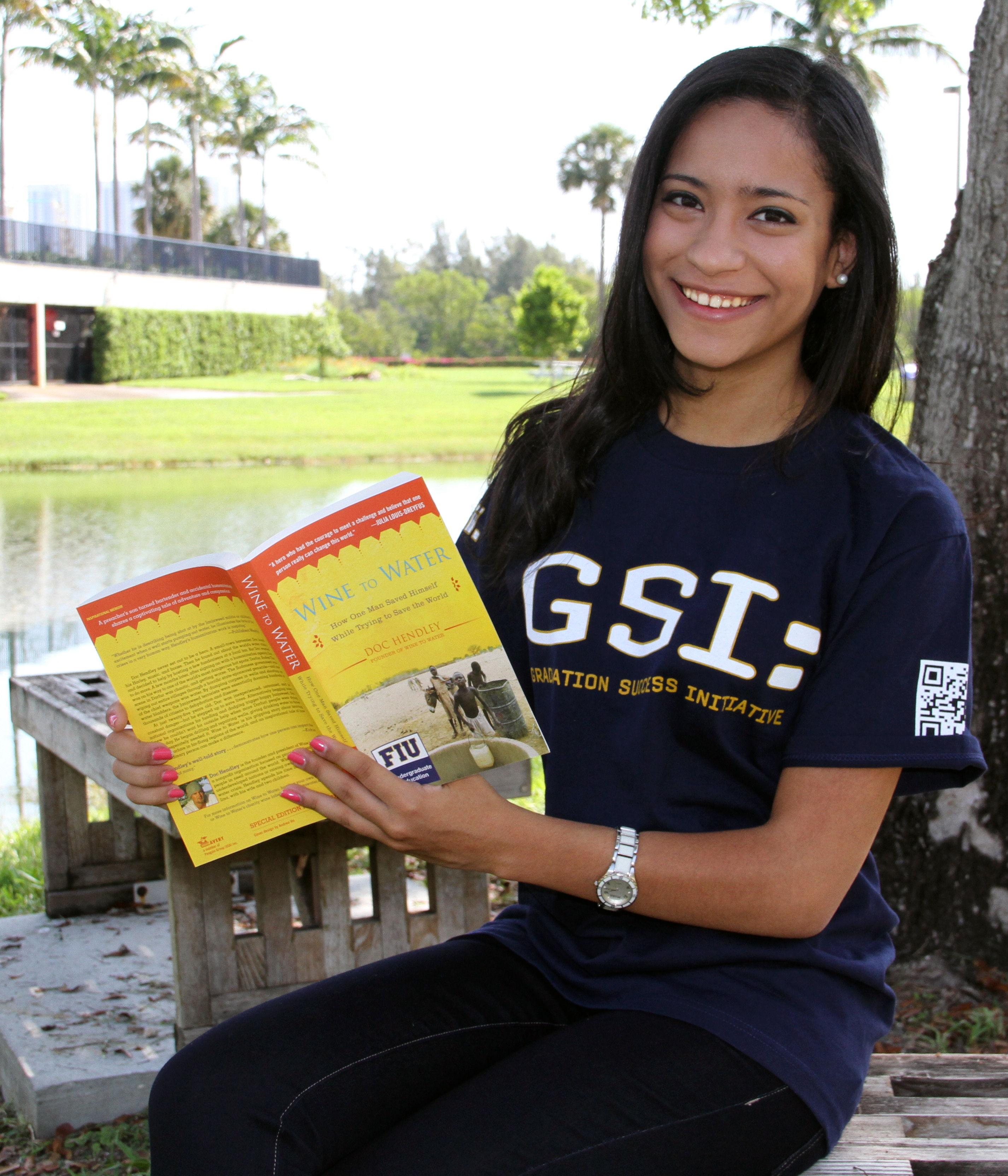
In this image, I adjusted some facial features with the patch tool, used the crop tool, and fixed the color.
 The Advertising Perspective